
Sim Data Manager
A research tool for the eHorseRacing sim. It runs on your own Windows PC and keeps every race in one database you can search in a moment.
*The live version runs in your browser with fewer features than the download. See what’s in it
The race database comes with it, so you can search the moment it opens. That is why the file is 366 MB.
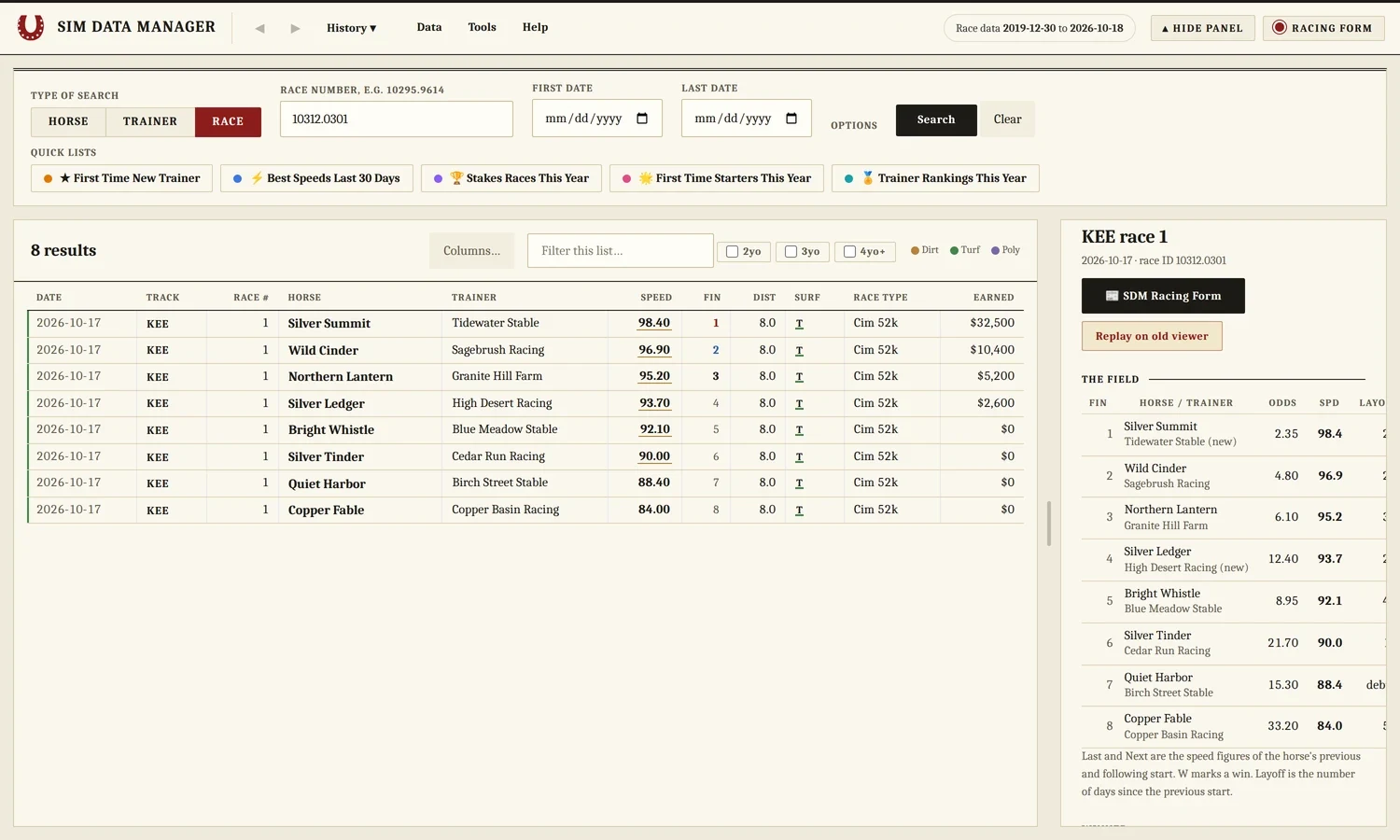
Race data comes with it
The download already holds the race database. Data, then Get New Race Data, adds any weeks since, and loading a week twice never makes duplicates.
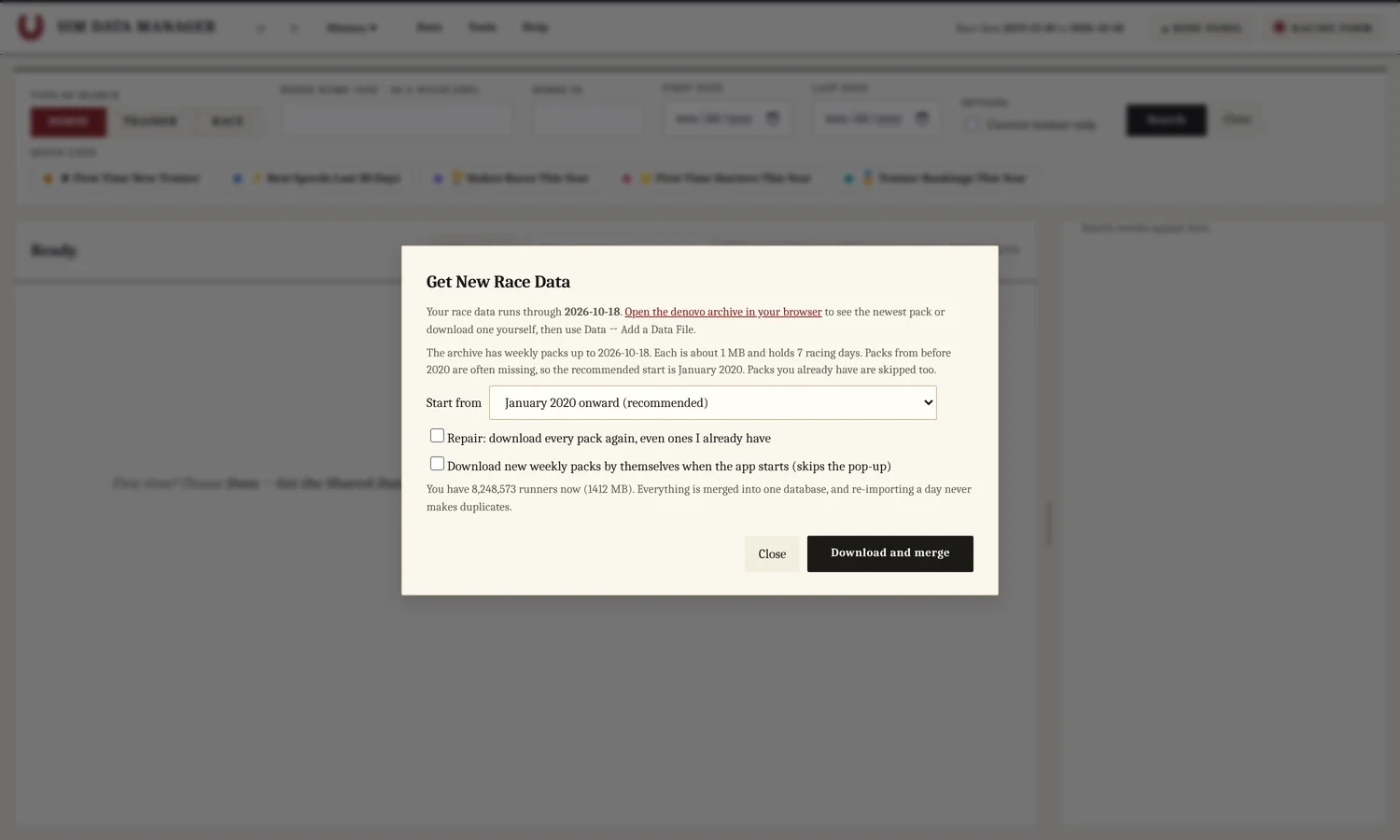
Look anything up
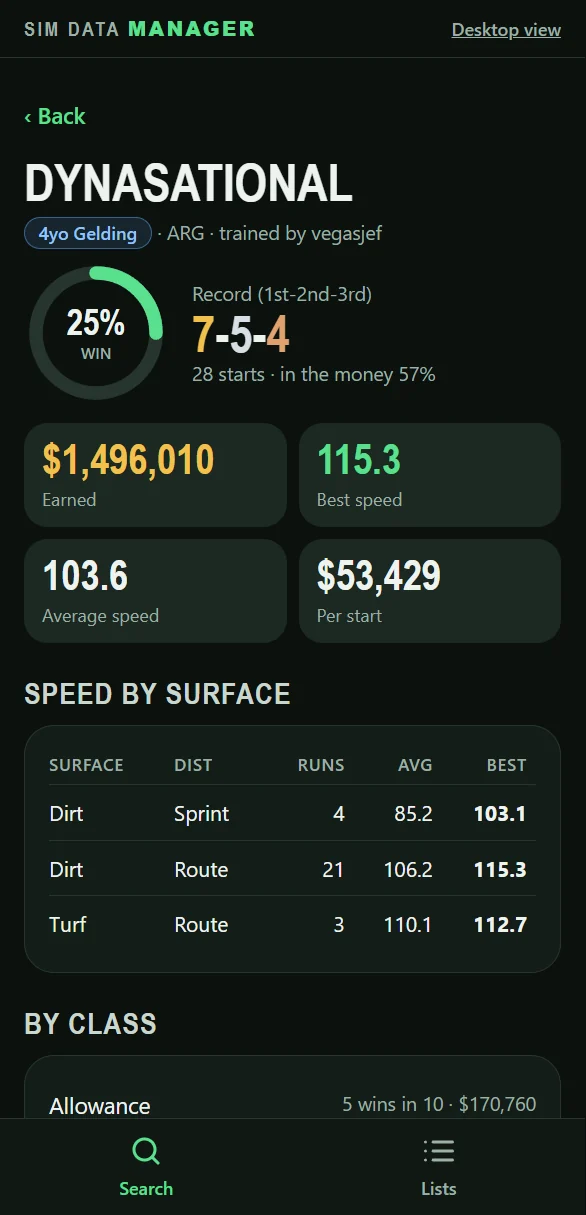
A horse, a trainer or a race number. Click a row and the side panel shows the record, earnings and speed by surface.
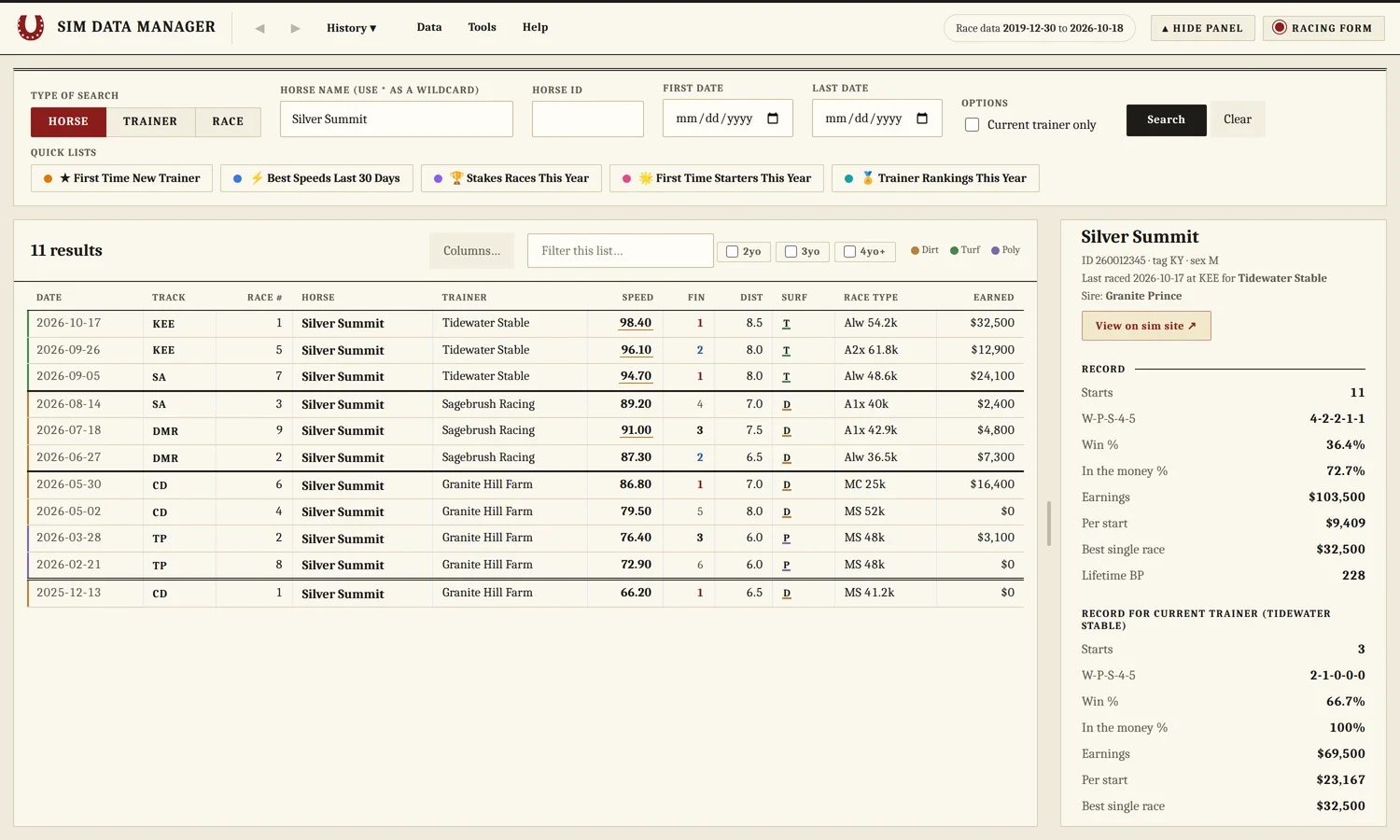
One-click lists
Best speeds in the last 30 days, first-time starters, stakes races and trainer rankings.
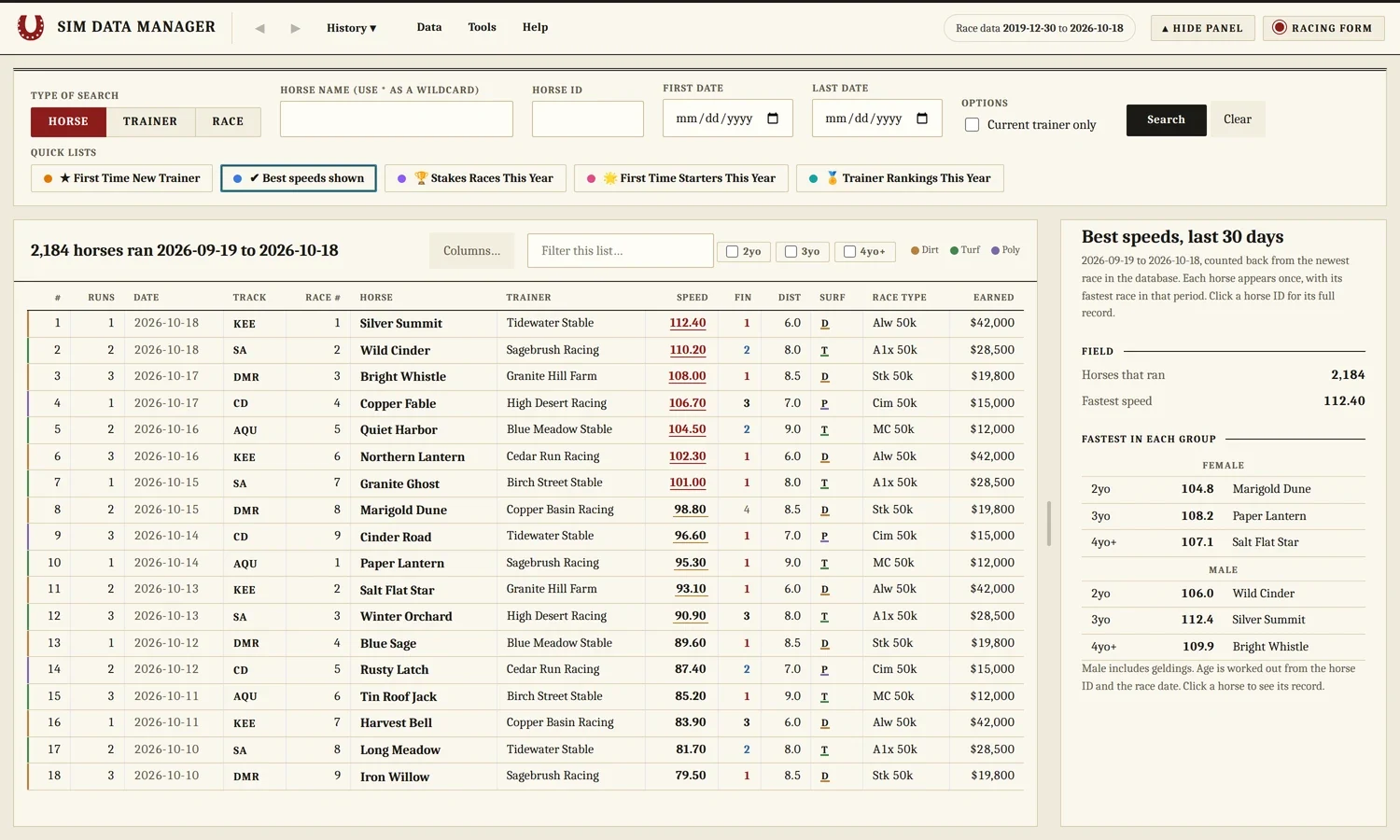
Know what you have
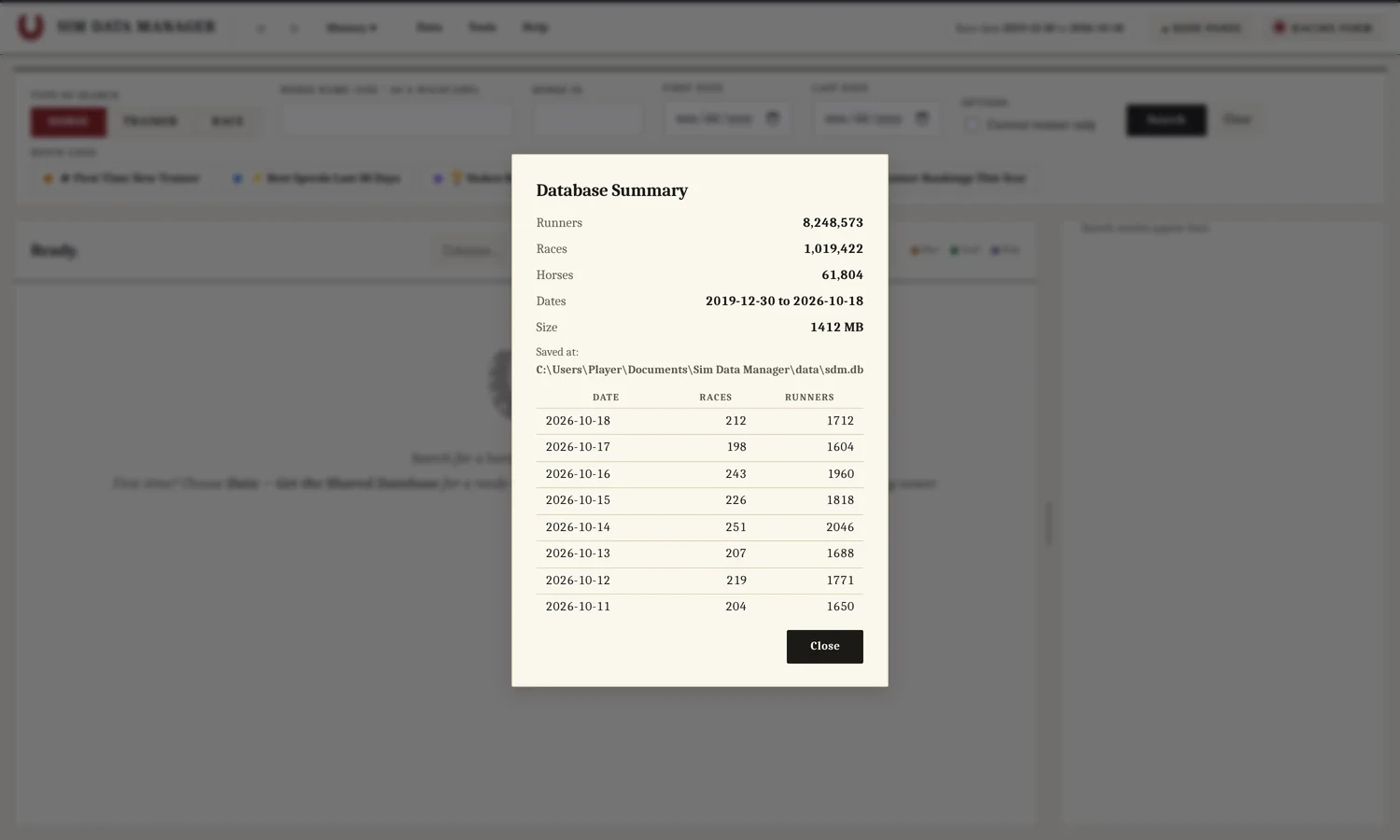
Database Summary shows how many runners, races and racing days you have, day by day.
Sim Data Manager Live
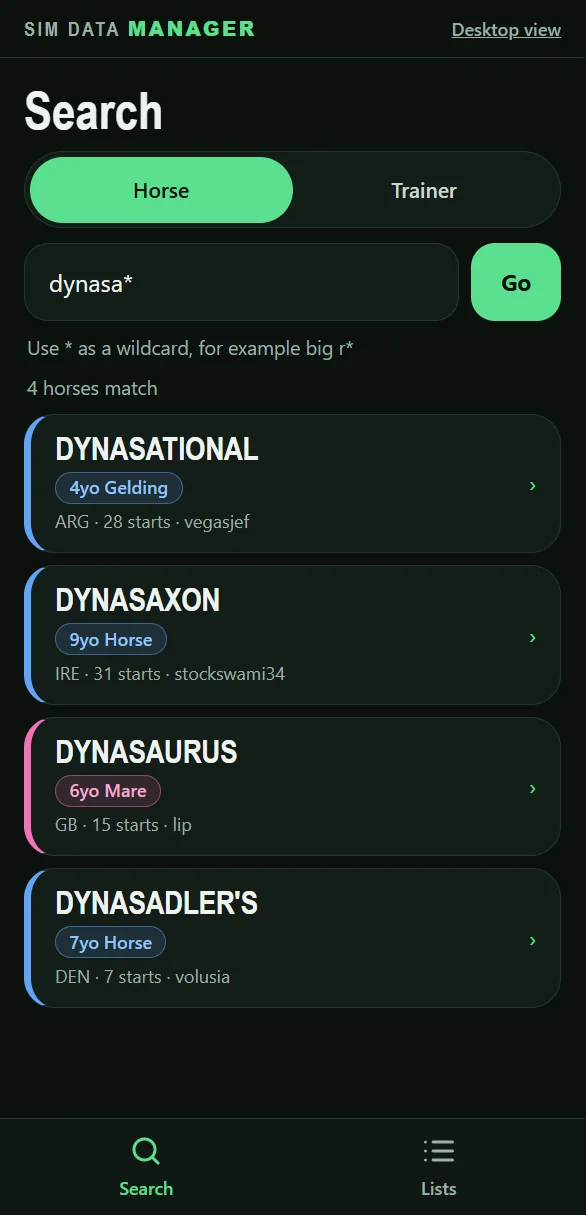
Search the whole race database in your browser: about 8.2 million runners, from late 2019 to the latest week. Free, with no download and no login. On a phone it opens a simpler view made for small screens.
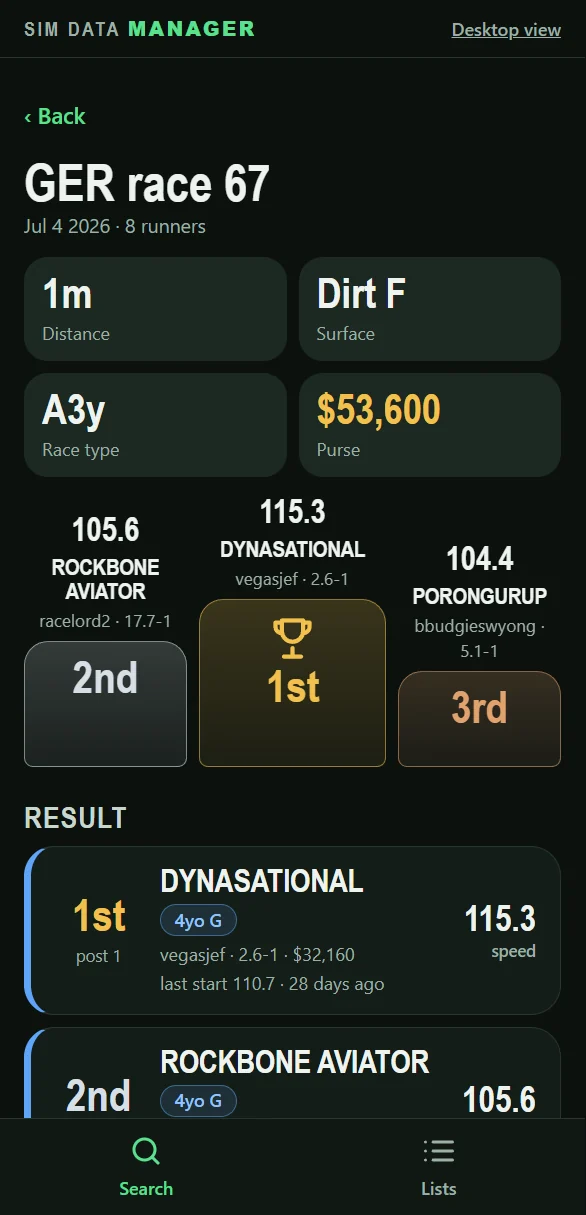
On the web
- Horse search by name or ID
- Trainer search, with that trainer’s horses
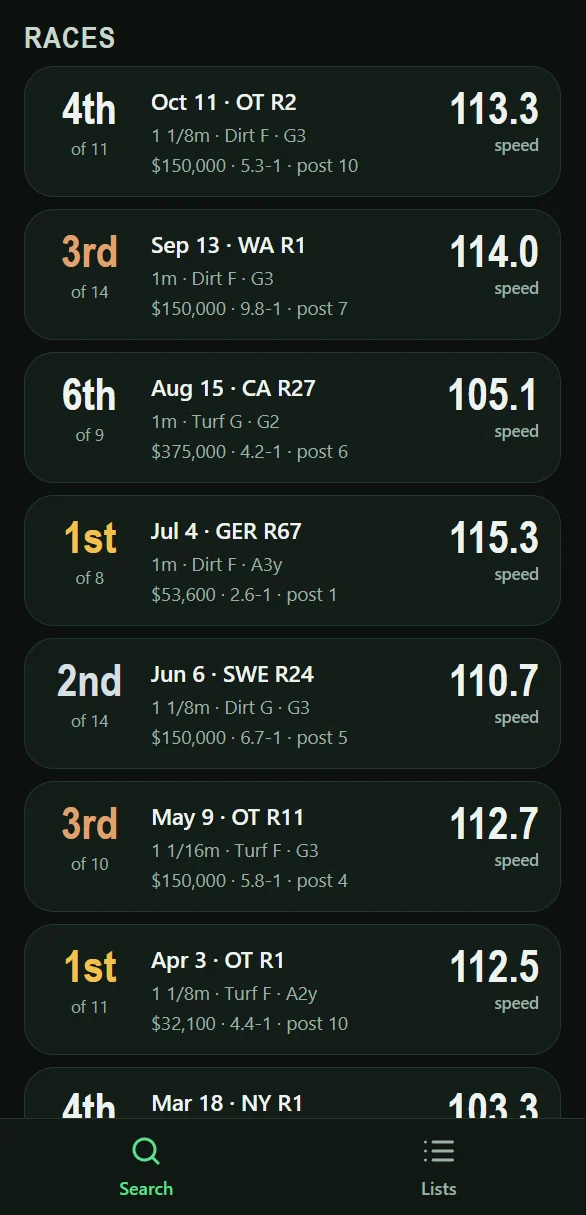
- Race results
- Best speeds and stakes race lists
- A phone view
Only in the download
- Your own copy of the race database, on your PC
- Adding each week’s race data from Denovo’s weekly files
- Sharing your database with other players
The web versions are lighter than the desktop app and are for looking things up. Some features were left out on purpose. They only show data from the public race database, and nothing on them connects to your eHorseRacing login.
Install in three steps
No installer and nothing else to download. The folder carries its own copy of Python and does not touch the rest of your PC.
Download
One zip file with the race database inside. Allow a few minutes on a slow connection.
Unblock
Right-click the zip, choose Properties, tick Unblock and press OK. Windows then stops asking about each file.
Extract and run
Choose Extract All, pick a folder you can write to such as Documents, then double-click Sim Data Manager.bat.
If Windows shows "Windows protected your PC", click More info, then Run anyway. New versions come through the app itself: it checks once a day and asks before it installs anything. It never connects to ehorseracing.com. Everything comes from the race database on your PC, updated weekly from Denovo’s race files. Full setup help is in the user guide.
Release history
| Version | What changed | Released | Download |
|---|---|---|---|
| 0.9.3LATEST | First public release. | Oct 18, 2026 | Download |
| Older | Every version on GitHub ↗ | ||
Ready when you are.
Free for personal use. Windows 10 and 11. 366 MB with the race database included.
Download 0.9.3Sim Data Manager is not made by or affiliated with eHorseRacing. It is licensed under PolyForm Noncommercial 1.0.0: personal and other noncommercial use is allowed. The desktop screenshots use invented horse and stable names. The phone screens show real race results.